Documentation theme for user guides and product docs
Documentation is a clean, structured theme designed for creating help centers, product manuals, API references, and knowledge bases. It focuses on clarity and quick information retrieval, with typography and navigation optimized for users who are looking for solutions, instructions, or troubleshooting steps. The theme offers built-in support for the DocSearch plugin, enabling fast and relevant keyword search across your documentation, and works seamlessly with the Syntax Highlighter plugin to provide clean, readable code examples. You can choose between a classic documentation layout with a sidebar for sequential learning, or a card-based layout designed for standalone articles and tutorials.
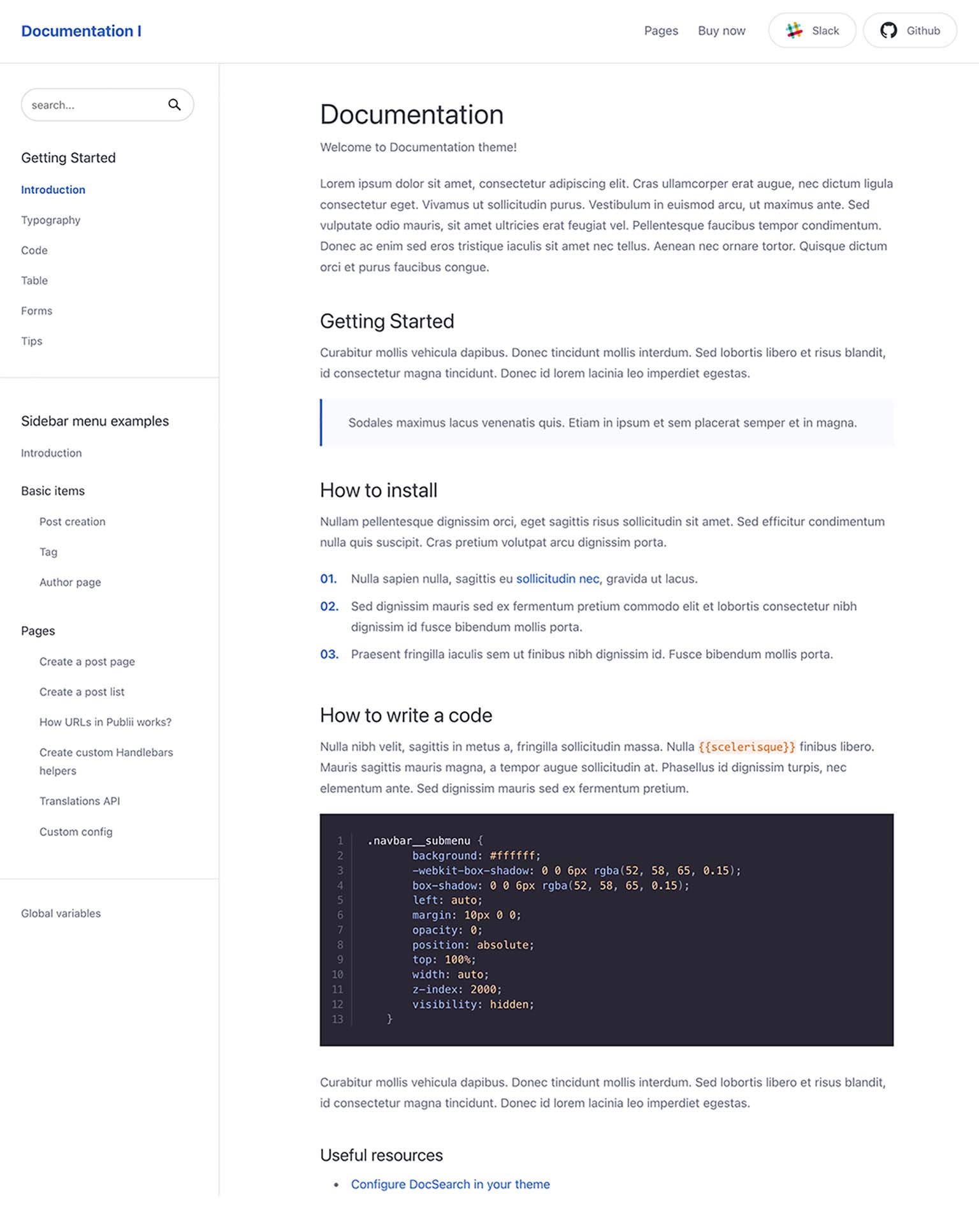
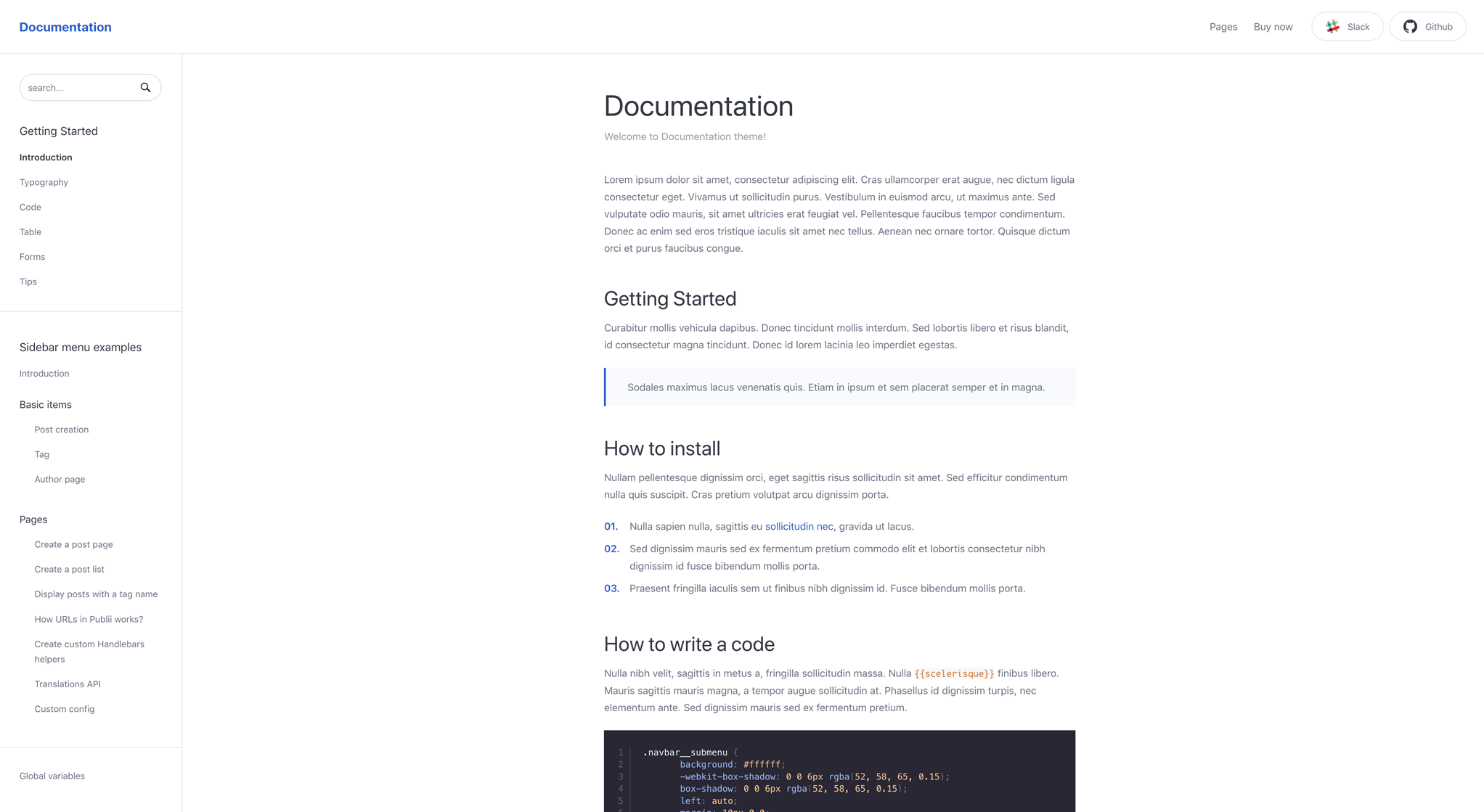
Two layout options
Pick the layout that fits your docs. The two-column layout with sidebar works well for longer articles with quick navigation between sections. The cards layout shows article previews in separate blocks, which is better for independent content that doesn’t need to flow together.
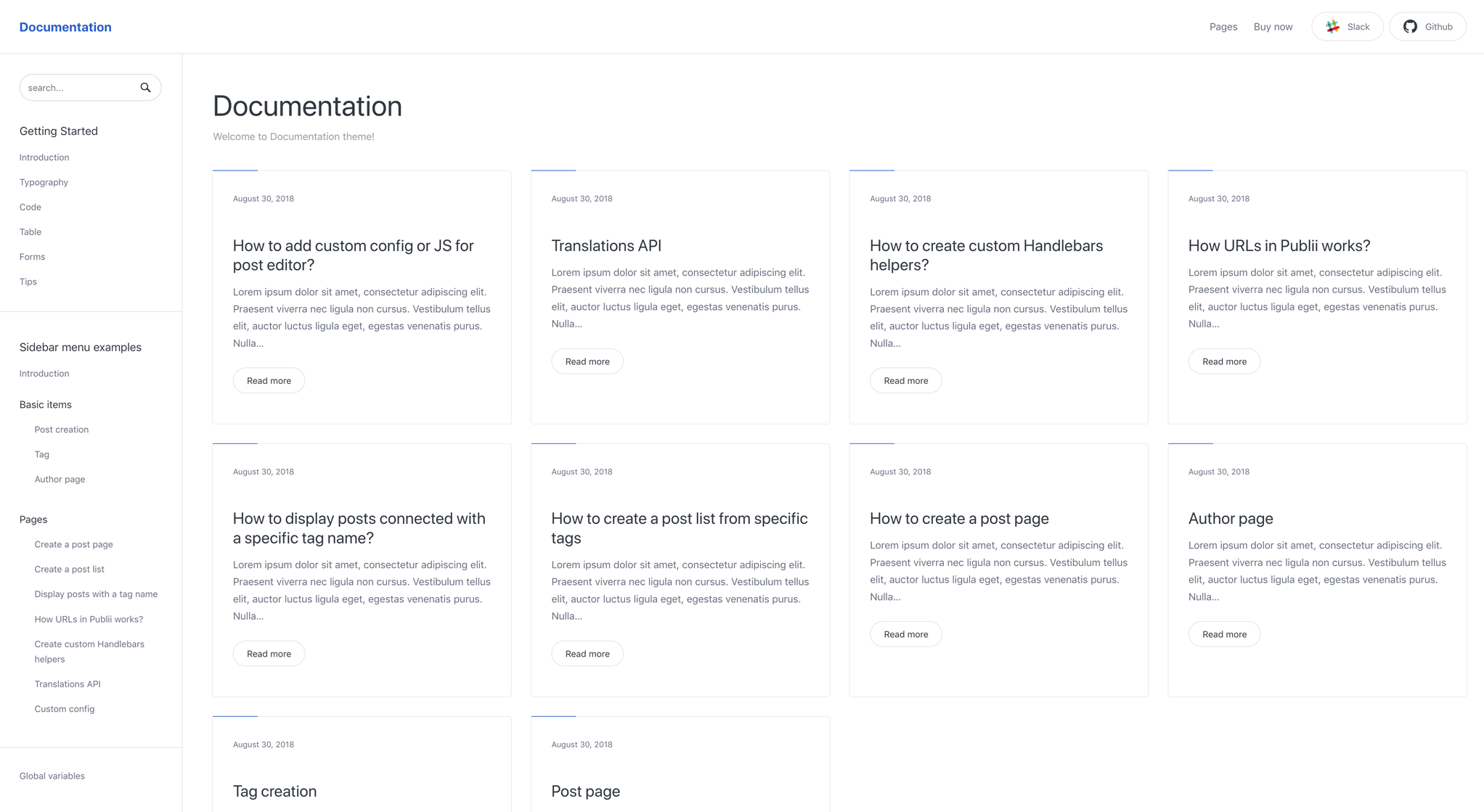
Customize your card previews
The card layout includes options to adjust how preview cards look. Turn on or off elements like read-more buttons, dates, or images. The CSS GRID layout adjusts automatically to show the right number of cards for each screen size.

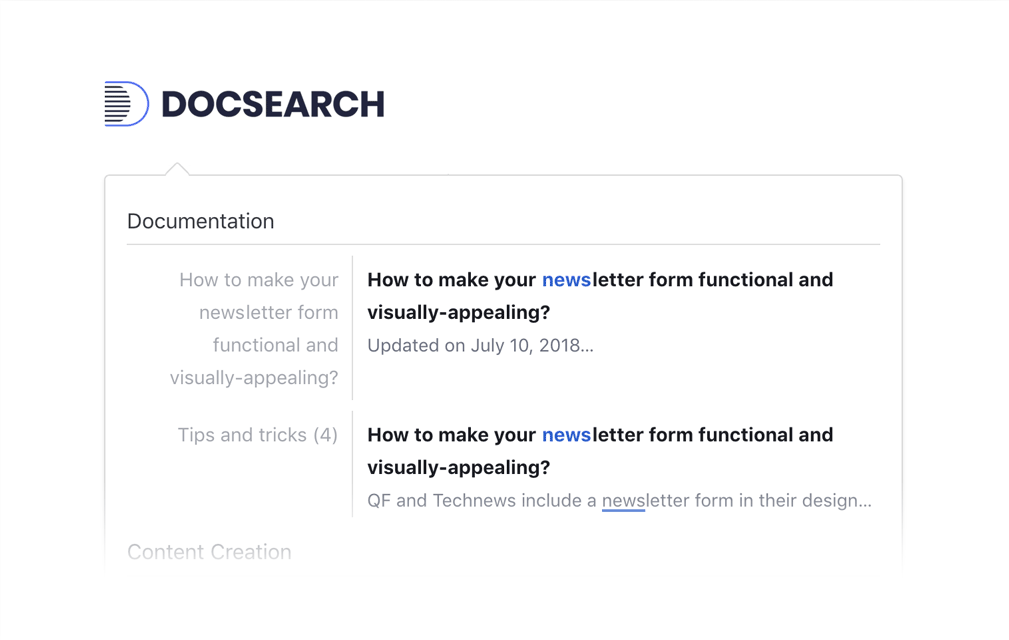
Search with DocSearch
Documentation theme works with Algolia’s DocSearch plugin. It shows search suggestions as people type, making it faster for users to find what they need. The plugin styling matches the theme automatically.
Syntax highlighting for code
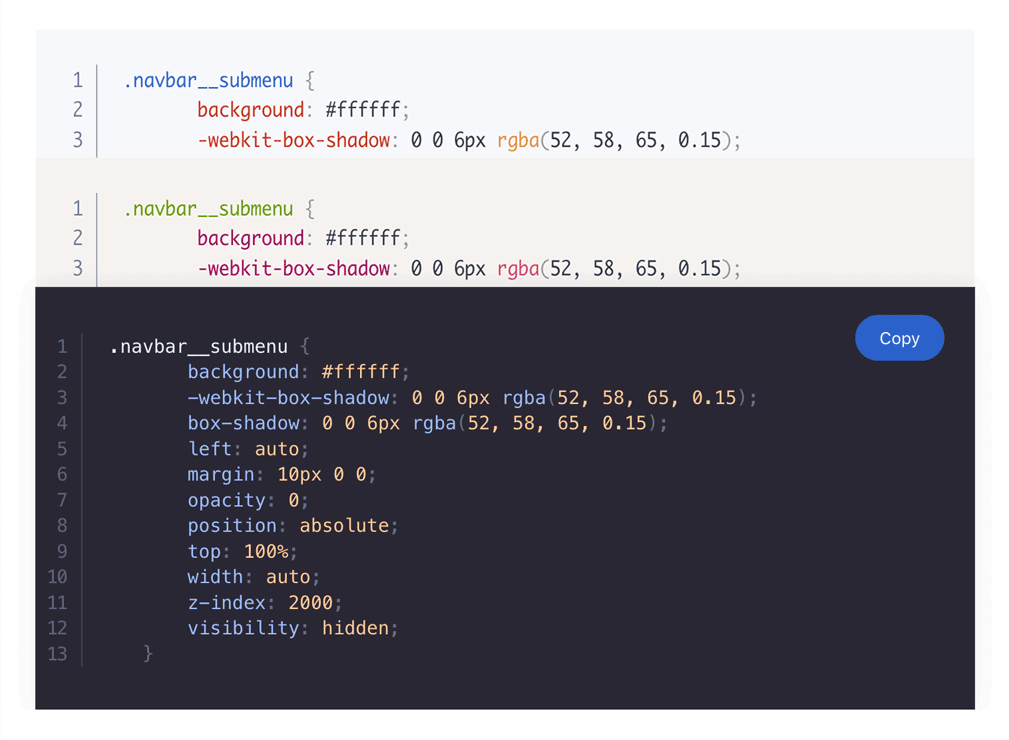
The Syntax Highlighter plugin uses Prism.js to make code more readable. Clear formatting helps developers understand code faster. You can customize how code snippets look to match your preferences.
Typography that scales
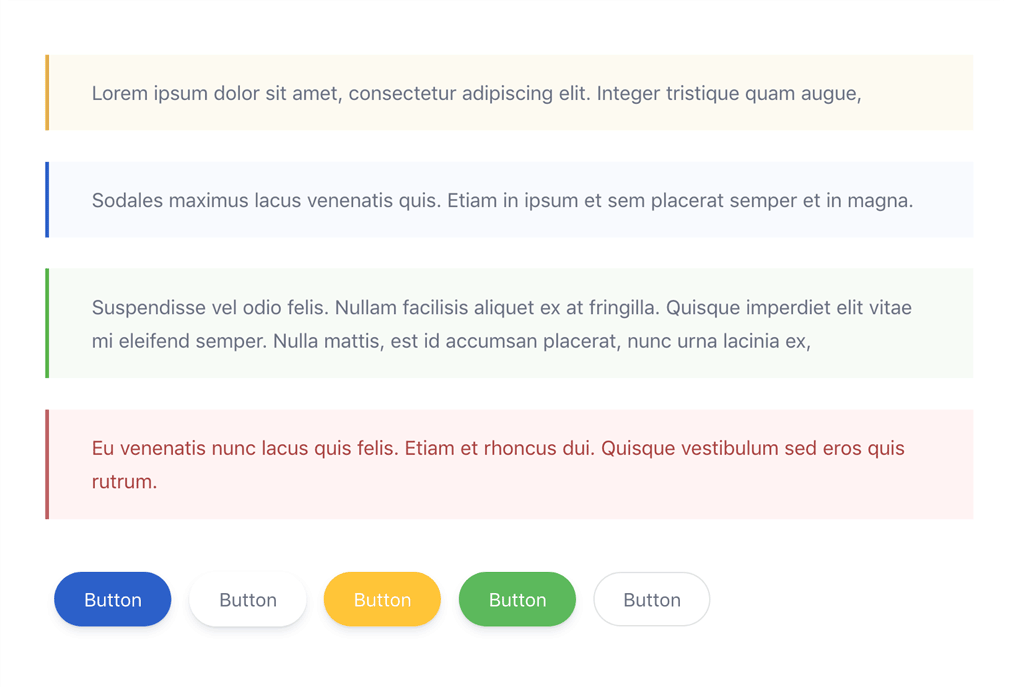
Documentation is all about the text. This theme uses fluid typography that resizes properly on any screen. Includes styled buttons, warnings, and tip boxes to break up content and make it easier to read.
Newsletter popup you can customize
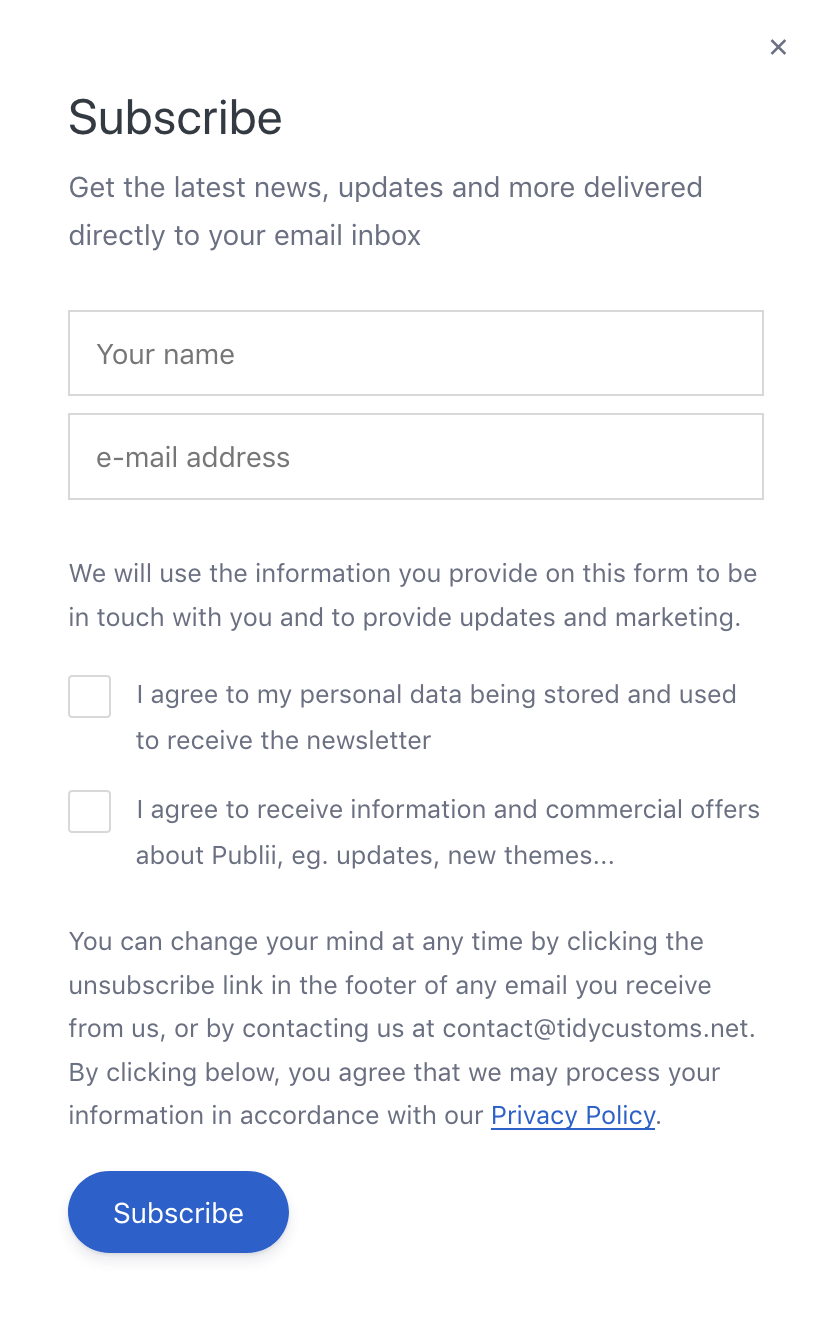
Add a newsletter sign-up popup to keep your community updated. Drop in your own form code, then control when it appears — after a time delay, after someone scrolls partway down the page, or both.
* Plus VAT for EU customers
What's included
- Unlimited use - forever, on any number of domains
- 12 months of access to files and updates
- 3 months of premium support included
- 100% ready for personal and commercial use
- One-time payment - no automatic renewals, optional update access at 50% off
- Optimized for speed, SEO, and mobile experience
What's excluded
- Premium plugins are not included - available as a separate purchase
Details
- Author:
- Publii Team
- Version:
- Updated:
- Nov 04, 2025
Requirements and compatibility
- Browser:
- Edge, Firefox, Chrome, Safari, Opera
- Requirements:
- Publii 0.46.x and up
Built for fast loading
Our themes use custom CSS and JavaScript without jQuery or a CSS framework. Publii generates your pages before publication, so your hosting serves finished HTML files. You can also choose system fonts to display text without downloading additional font files.
Learn more about performanceThree months of support included
Your purchase includes three months of support through our ticket system. Contact the Publii team for help with the theme's settings or to report a problem.
Read support termsPurchase FAQ
Find out what your purchase includes, how payments work and what happens when your update access expires.
Is this a subscription?
No. Every purchase is a one-time payment. We do not renew your access or charge you automatically. Your purchase includes 12 months of access to product files and updates and three months of technical support.
What happens when my 12 months of file and update access expire?
You can continue using the downloaded theme or plugin without a time limit, subject to its license terms. However, you will no longer be able to download the product or access new updates.
When your access expires, we will send you an email reminder. For the following 60 days, you can renew your access for another 12 months using the link in that email or the "Renew" option in your User Panel. A 50% discount is applied automatically during this renewal period.
After the 60-day renewal period ends, the discounted renewal option will no longer be available. To regain access to the product files and updates, you will need to purchase the product again at its regular price.
Renewal restores access to product files and updates for another 12 months but does not include a new technical support period.
If you need assistance after your included support period has ended, please contact our Customization Service.
How is VAT calculated, and can I receive an invoice?
Any applicable VAT is calculated during checkout based on the information you provide. The final price, including any applicable VAT, is displayed before you place your order.
To receive an invoice, select the "I want an invoice" option during checkout. Once issued, the invoice will be available in your User Panel, and we will notify you by email.
Are premium plugins included?
Premium plugins are not included with this theme. You can purchase them separately from the Publii Marketplace.
Can I cancel my purchase or request a refund?
Our products are digital content delivered immediately after payment. When delivery begins with your prior express consent and acknowledgment, you may lose your statutory right to withdraw from the purchase.
For full details, see our Terms and Conditions.