Ella Portfolio Theme
If you're a photographer or artist looking for a clean way to show your work online, Ella might be what you need. It's built specifically for visual creators who want their photos to do the talking - no distractions, no clutter, just your work presented the way it deserves. Most portfolio themes either try too hard or don't try enough. Ella sits somewhere in the middle, giving you enough flexibility to make the site feel like yours without overwhelming you with options you'll never use.

Two layouts that actually matter
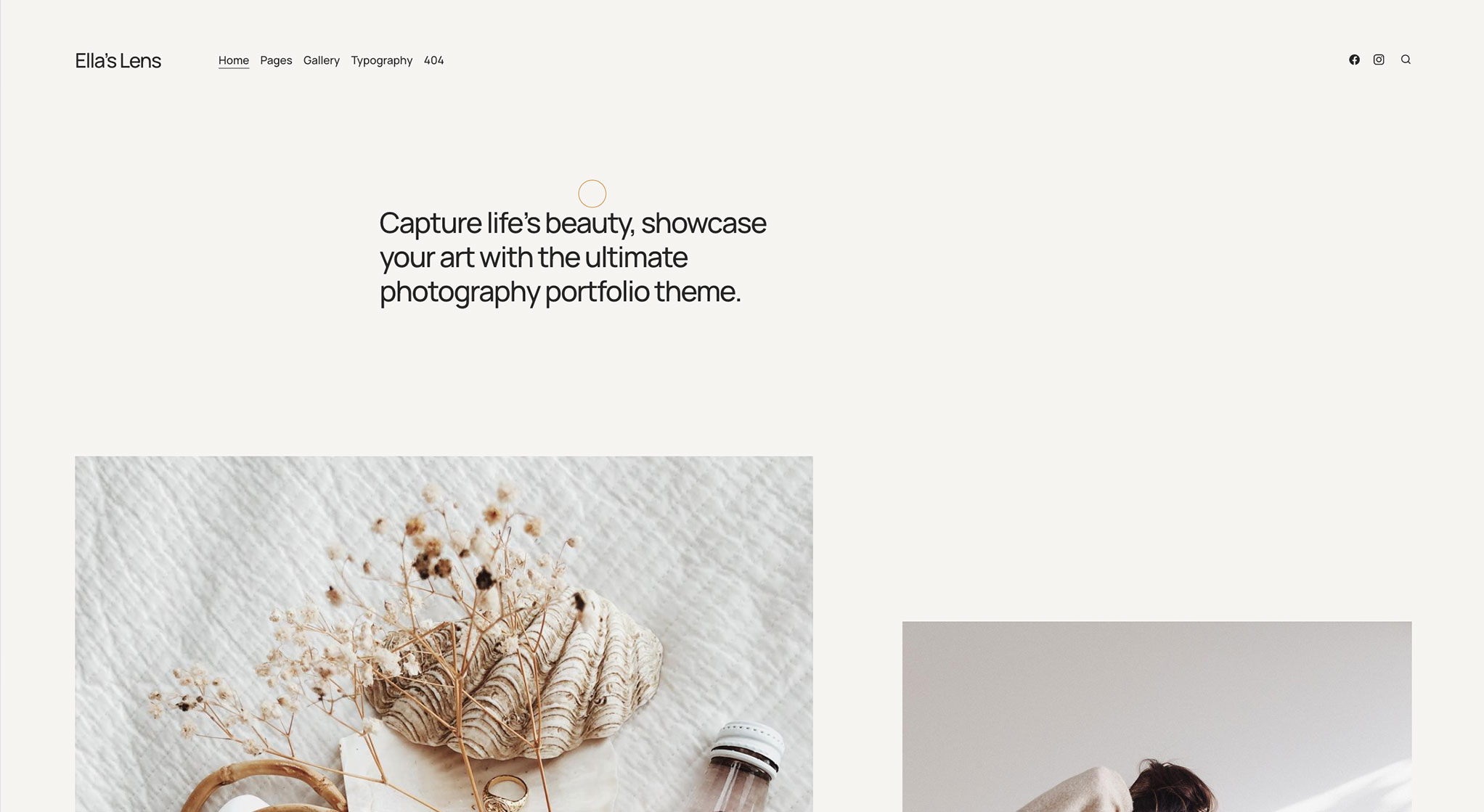
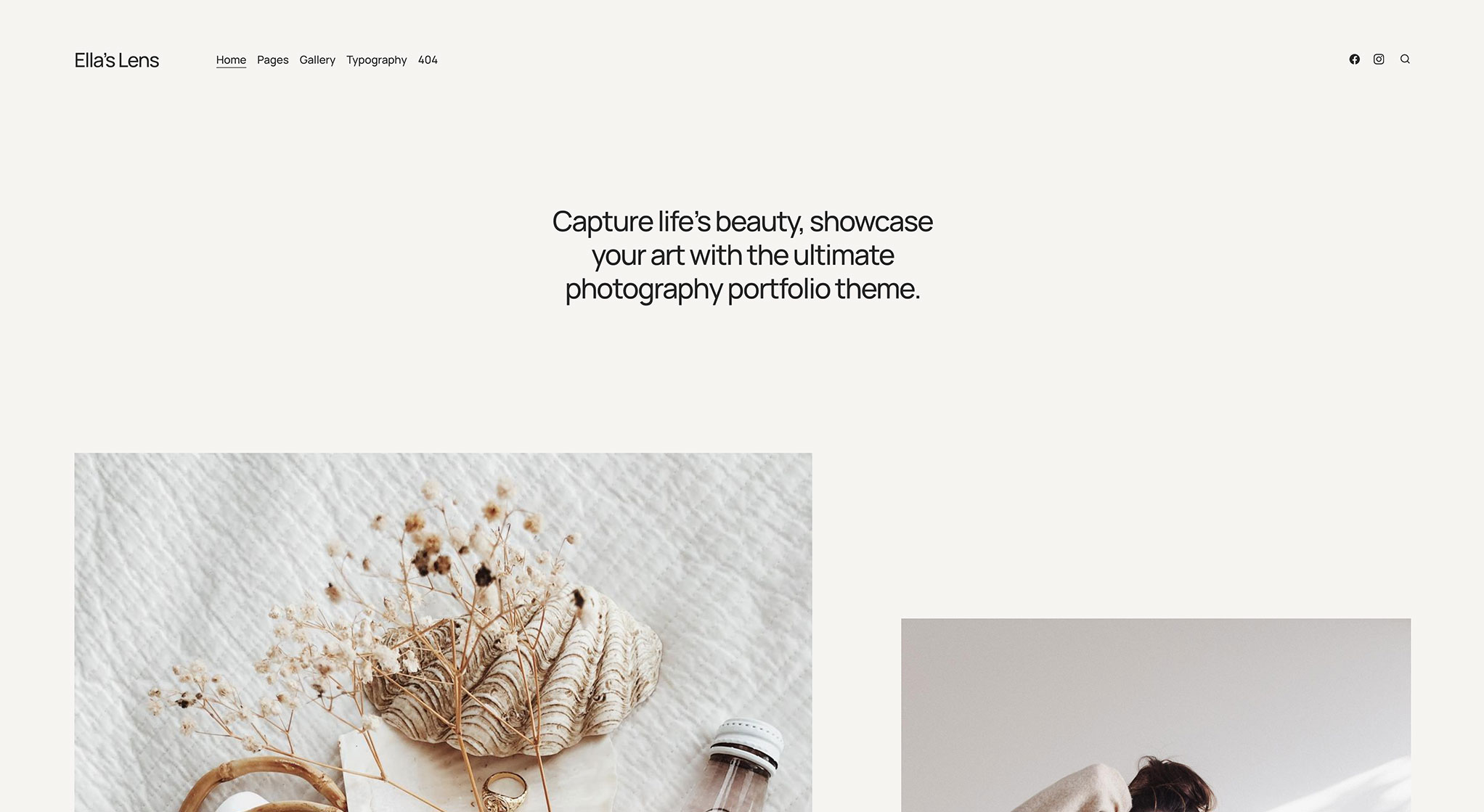
You get two main layout options here. One puts your content on the left side of the page — it’s modern and keeps things organized without feeling cluttered. The other centers everything, which works better if you want that classic, balanced look. Both work well. Pick whichever feels right for your style.
Grid options that give you control
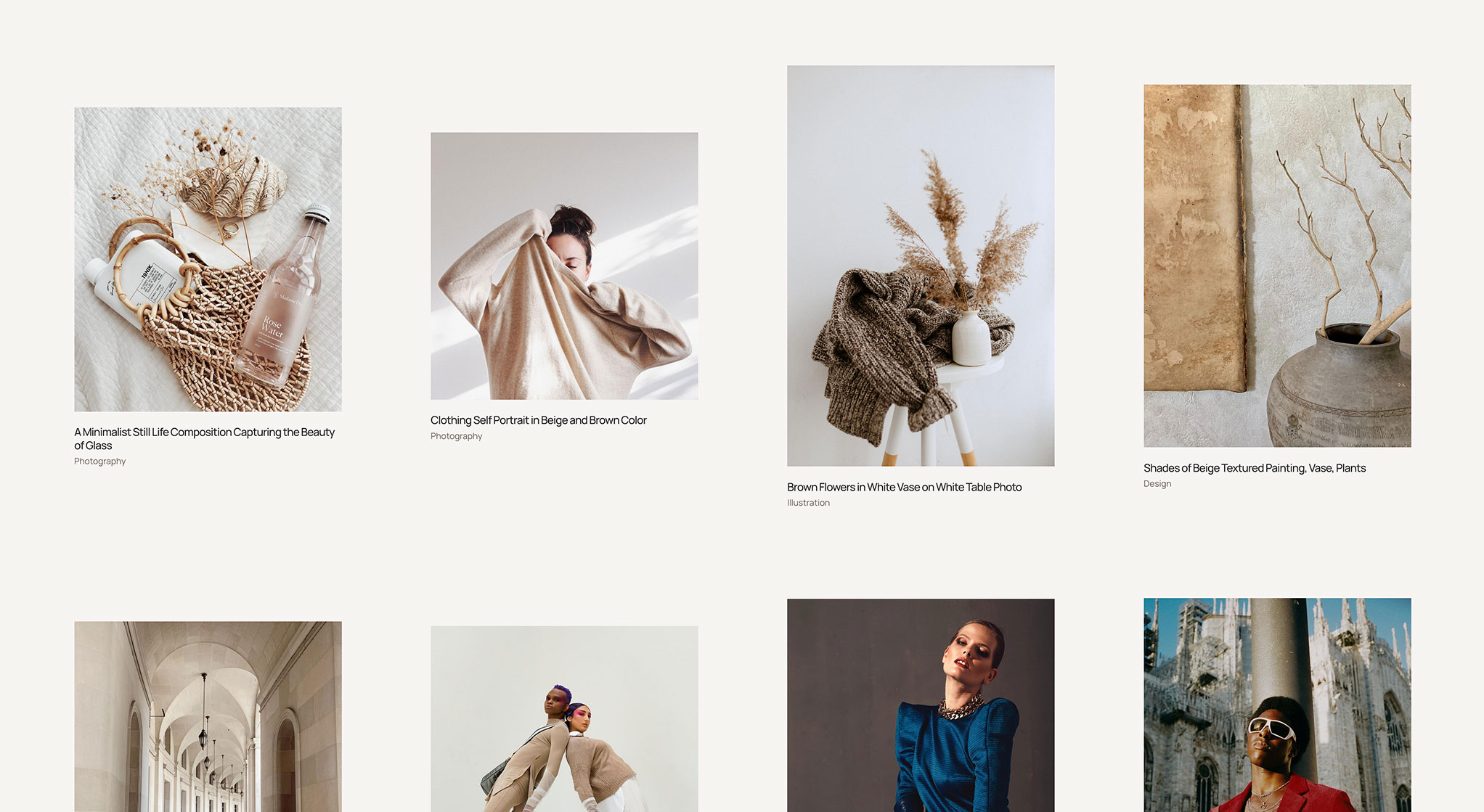
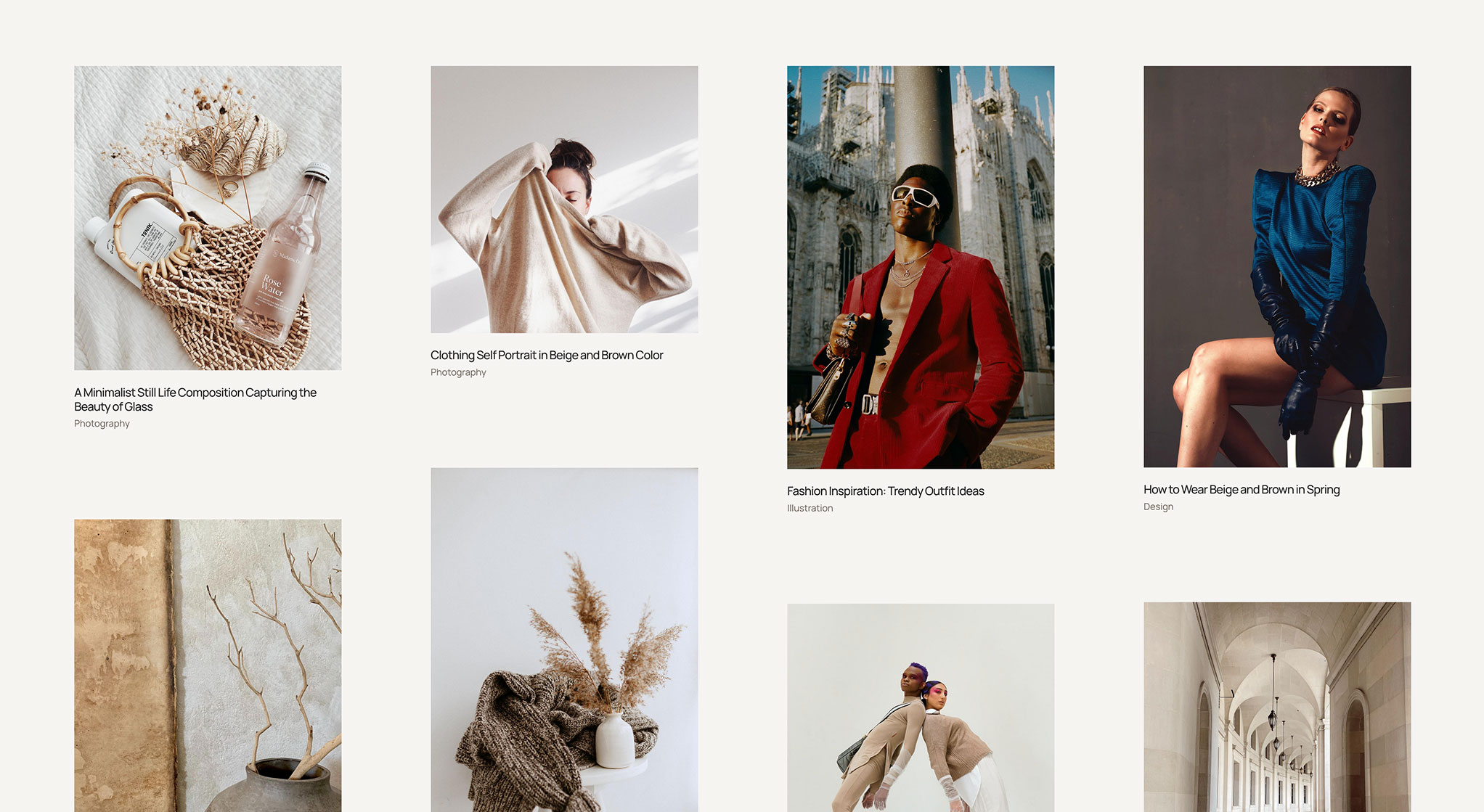
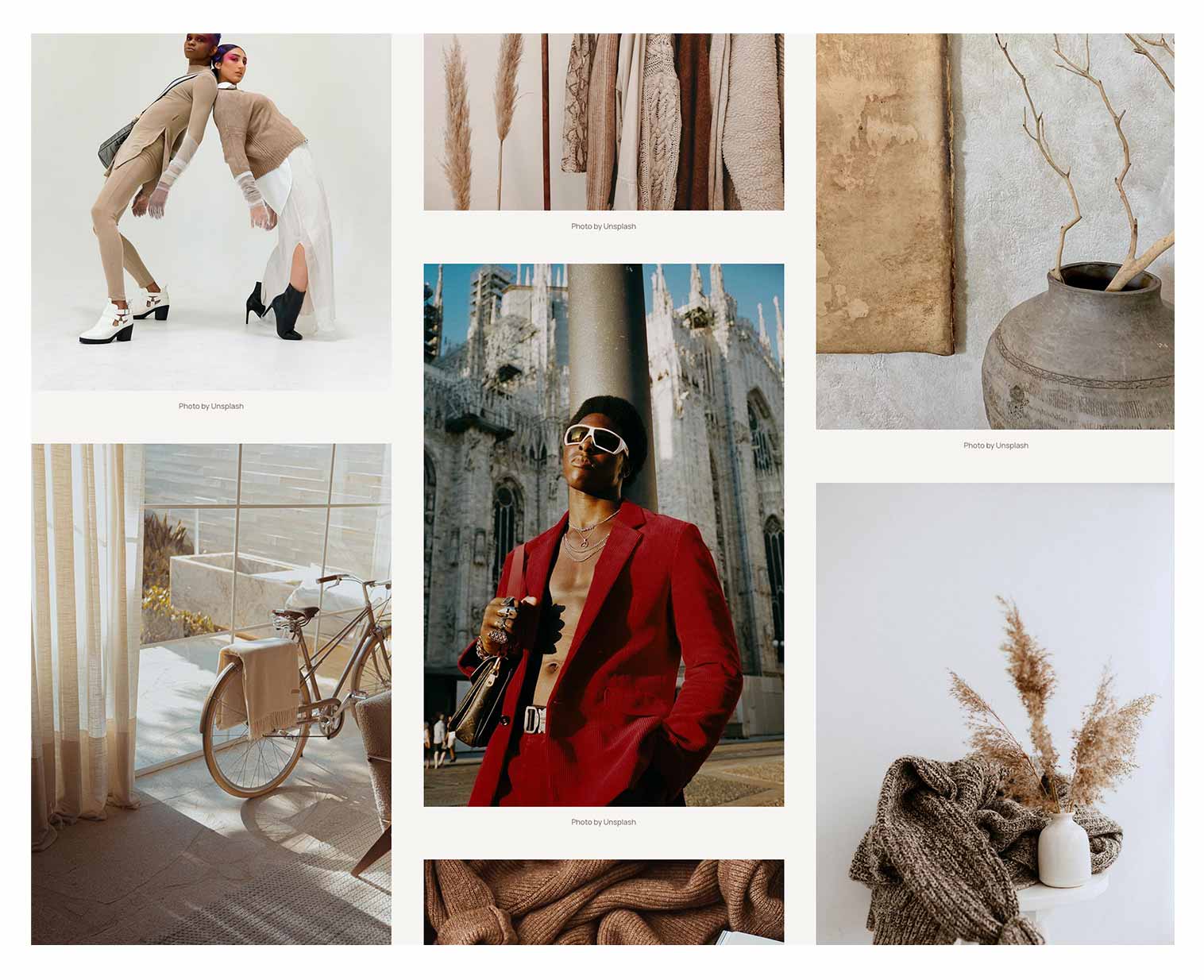
Ella comes with two grid styles: flex and masonry. The flex grid is straightforward — rows and columns, everything lined up neatly. The masonry grid is more like Pinterest, where images cascade down the page in different sizes. It’s less rigid, more visual. You can display your grid in two, three, or four columns. And you’re not locked into showing just recent posts — you can pull from featured posts or filter by tag if you want more control over what appears.
Customize your cards (or don’t)
Each photo card in your grid can show the image, title, main tag, date, and author. Or you can turn any of those off. Some people want minimal cards with just the image. Others want more context. This level of control means you can strip things down or keep them detailed, depending on how you work.
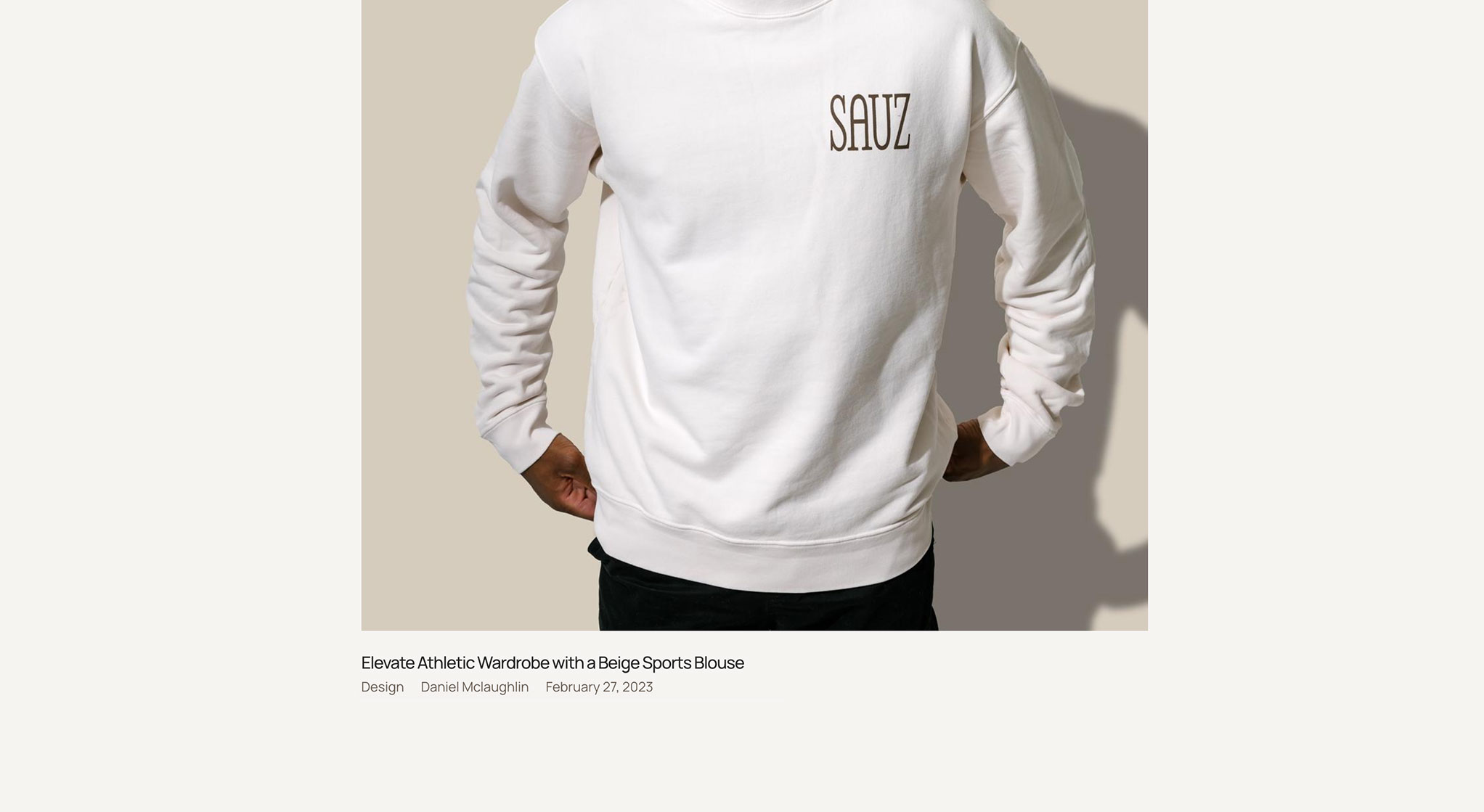
Eight color schemes (plus your own)


Two post templates
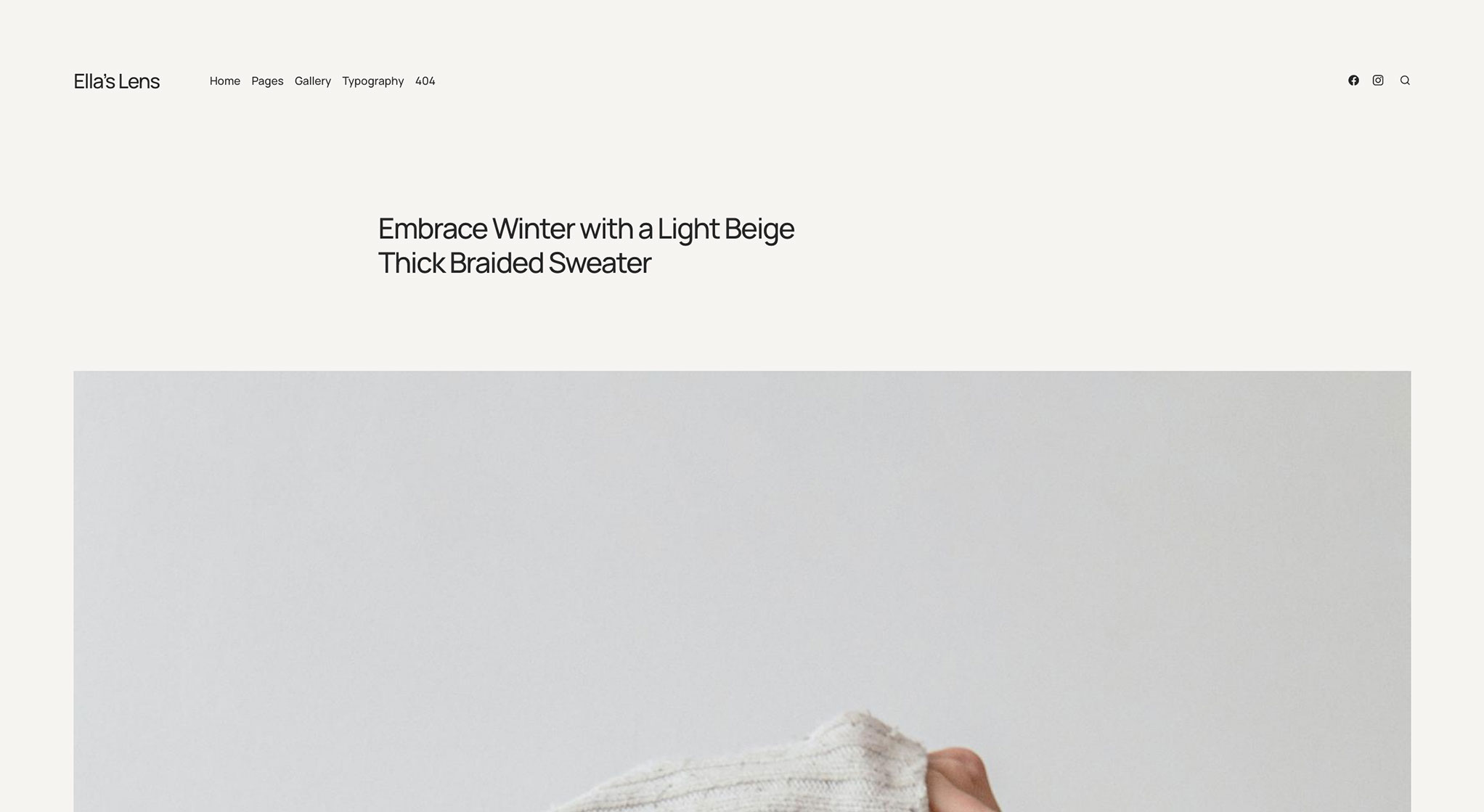
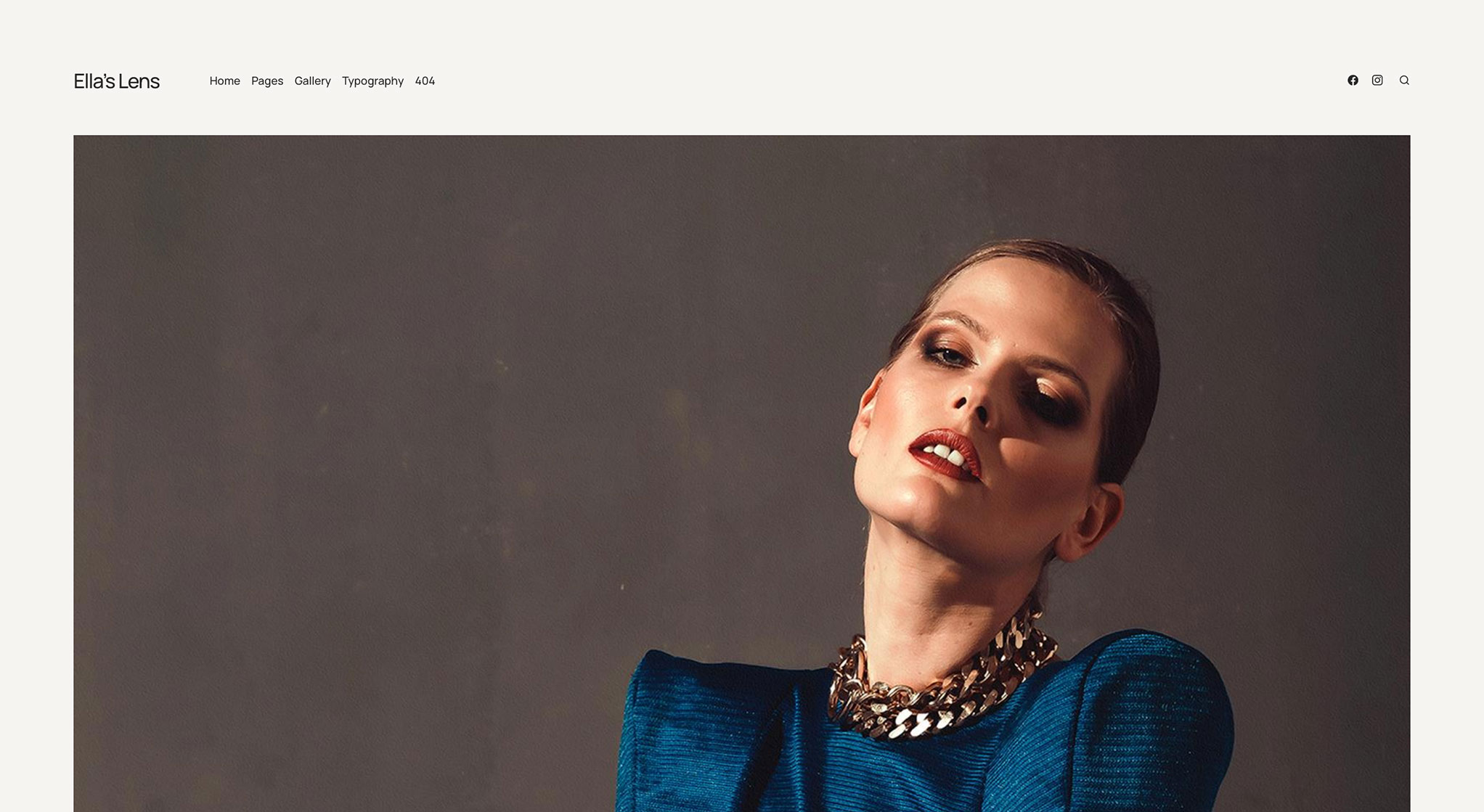
For individual posts, you get two layout choices. The first puts your title over the featured image — clean, bold, modern. The second places the image at the top with the title below, giving the photo more breathing room. Both look good. Just depends on whether you want your titles front and center or your images leading the way.
Custom cursor (if you’re into that)
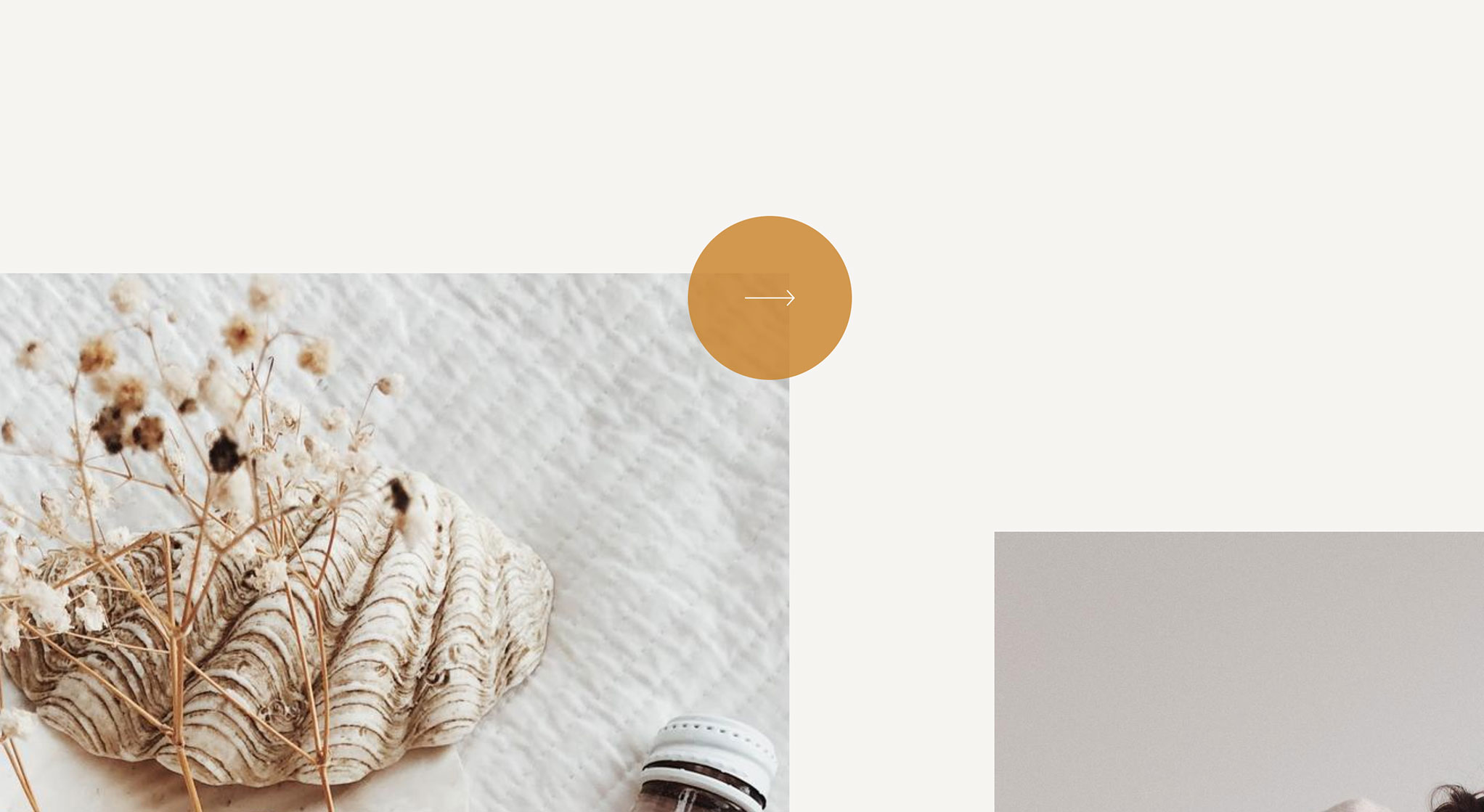
Ella lets you swap the default cursor for a circular one. You can also add a “big arrow” cursor to specific elements for emphasis or navigation. It’s a small detail, but it adds personality. Not everyone will care about this, but if you want that extra layer of polish, it’s there.
Masonry gallery layout
There’s a dedicated gallery option using the masonry layout. It arranges your photos in that cascading style — different sizes, overlapping rhythms, no rigid grid. It looks great with photography because it lets each image hold its own space. Check the demo if you want to see it in action.
* Plus VAT for EU customers
What's included
- Unlimited use - forever, on any number of domains
- 12 months of access to files and updates
- 3 months of premium support included
- 100% ready for personal and commercial use
- One-time payment - no automatic renewals, optional update access at 50% off
- Optimized for speed, SEO, and mobile experience
What's excluded
- Premium plugins are not included - available as a separate purchase
Details
- Author:
- Publii Team
- Version:
- Updated:
- Dec 23, 2025
Requirements and compatibility
- Browser:
- Edge, Firefox, Chrome, Safari, Opera
- Requirements:
- Publii 0.46.x and up
Built for fast loading
Our themes use custom CSS and JavaScript without jQuery or a CSS framework. Publii generates your pages before publication, so your hosting serves finished HTML files. You can also choose system fonts to display text without downloading additional font files.
Learn more about performanceThree months of support included
Your purchase includes three months of support through our ticket system. Contact the Publii team for help with the theme's settings or to report a problem.
Read support termsPurchase FAQ
Find out what your purchase includes, how payments work and what happens when your update access expires.
Is this a subscription?
No. Every purchase is a one-time payment. We do not renew your access or charge you automatically. Your purchase includes 12 months of access to product files and updates and three months of technical support.
What happens when my 12 months of file and update access expire?
You can continue using the downloaded theme or plugin without a time limit, subject to its license terms. However, you will no longer be able to download the product or access new updates.
When your access expires, we will send you an email reminder. For the following 60 days, you can renew your access for another 12 months using the link in that email or the "Renew" option in your User Panel. A 50% discount is applied automatically during this renewal period.
After the 60-day renewal period ends, the discounted renewal option will no longer be available. To regain access to the product files and updates, you will need to purchase the product again at its regular price.
Renewal restores access to product files and updates for another 12 months but does not include a new technical support period.
If you need assistance after your included support period has ended, please contact our Customization Service.
How is VAT calculated, and can I receive an invoice?
Any applicable VAT is calculated during checkout based on the information you provide. The final price, including any applicable VAT, is displayed before you place your order.
To receive an invoice, select the "I want an invoice" option during checkout. Once issued, the invoice will be available in your User Panel, and we will notify you by email.
Are premium plugins included?
Premium plugins are not included with this theme. You can purchase them separately from the Publii Marketplace.
Can I cancel my purchase or request a refund?
Our products are digital content delivered immediately after payment. When delivery begins with your prior express consent and acknowledgment, you may lose your statutory right to withdraw from the purchase.
For full details, see our Terms and Conditions.