
Matomo Analytics
Get the insights you need without giving up control of your analytics. Matomo is a privacy-focused alternative to Google Analytics, available in the cloud or on your own server. This Publii plugin connects your site in minutes, with cookieless tracking, consent controls, and Matomo Tag Manager support built in.
Own your analytics, keep your options open
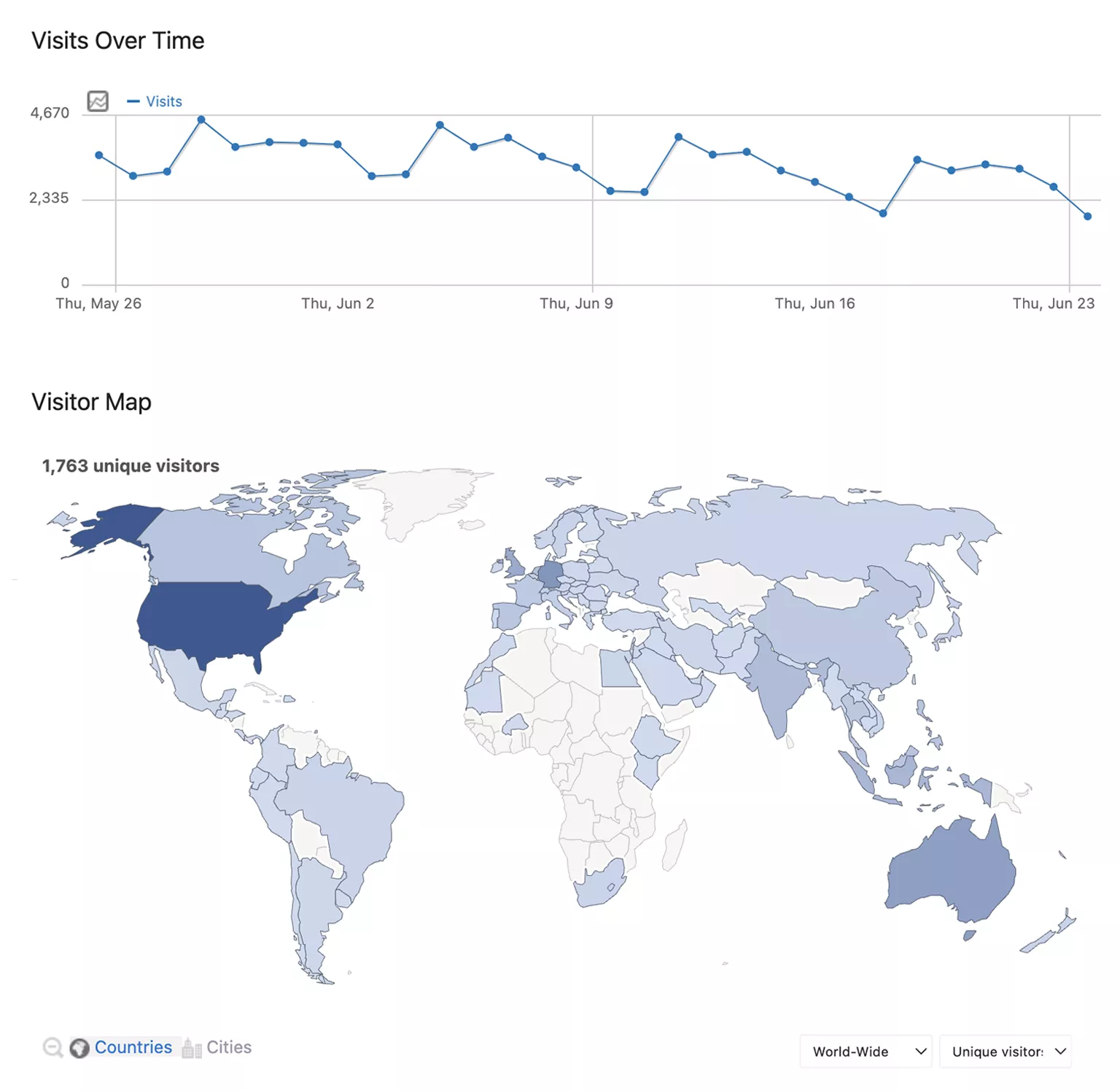
See how visitors find and use your Publii site while keeping control over where your analytics runs and how it collects data. Matomo brings together traffic sources, page views, visitor activity, goals, campaigns, downloads, and more in one analytics platform.
Choose the convenience of Matomo Cloud or host Matomo on your own infrastructure. The plugin handles the connection to Publii, so you can start measuring your site without editing a theme or maintaining tracking snippets by hand.
Before you start: The Publii plugin is free. Matomo Cloud is a hosted subscription service, while the open-source Matomo On-Premise edition runs on your own server. Compare the current Matomo options to choose the setup that fits your site.
See what brings visitors to your site
Matomo turns everyday site activity into reports you can use to improve content, navigation, and campaigns.
- Measure visits, page views, referrers, devices, and engagement.
- See which pages attract visitors and where they leave.
- Track file downloads and clicks to external websites.
- Find broken links and missing content through dedicated 404 tracking.
- Use goals, campaigns, and the other reporting tools available in your Matomo setup.
- Improve visit-duration reporting with Matomo’s Heartbeat Timer.
Built around your privacy choices
Not every site needs the same analytics setup. The plugin gives you practical choices instead of forcing one tracking model.
- Standard tracking: Use Matomo’s first-party analytics cookies for fuller visitor and return-visit reporting.
- Cookieless tracking: Measure visits without Matomo tracking cookies when that approach suits your privacy policy and legal requirements.
- Wait for consent: Block the tracker and all Matomo requests until the visitor accepts your Analytics Cookie Group.
- Adapt after consent: Start without analytics cookies, then enable them when the visitor gives consent.
The plugin connects these choices to Publii’s built-in Cookie Banner. It can also remove standard Matomo tracking cookies for the selected Website ID after consent is withdrawn in blocking mode.
Use the tracker or Matomo Tag Manager
Choose the direct Matomo Analytics tracker for a focused setup managed from Publii. Page views, link tracking, 404 reports, the Heartbeat Timer, cookieless tracking, and consent controls are ready to configure in the plugin.
If you already manage tags in Matomo, select Matomo Tag Manager and connect your published container. Publii can hold the entire container until consent, while more complex containers can manage consent for individual tags inside Matomo Tag Manager.
Plugin features
- Connect Publii through the Matomo Analytics tracker or Matomo Tag Manager.
- Use Matomo Cloud or a self-hosted Matomo installation.
- Automatically load the correct Matomo Cloud tracker script.
- Support custom CDN and proxy addresses for matomo.js.
- Choose standard, cookieless, or consent-based tracking.
- Integrate Matomo with a Cookie Group in Publii’s Cookie Banner.
- Track downloads, outbound links, and Publii 404 pages.
- Improve visit-duration reporting with the Heartbeat Timer.
- Respect the browser’s Do Not Track preference.
- Optionally include tracking in Publii Preview for testing.
- Validate connection and consent settings before adding code to your site.
Connect Matomo in three steps
- Add your website to Matomo Cloud or Matomo On-Premise.
- Enable the plugin in Publii and connect your Matomo tracker or Tag Manager container.
- Choose your tracking and consent settings, then publish the site.
The plugin takes care of the generated integration. For detailed configuration and consent instructions, read the Matomo Analytics plugin documentation.
Connect Matomo to Publii and turn site activity into useful reports while keeping control over hosting, cookies, and consent.
What you get
- Unlimited use - forever, on any number of domains
- Free to use for both personal and commercial projects
- Community support through the forum
Details
- Author:
- Publii Team
- Version:
- Updated:
- Aug, 25 2026
Requirements and compatibility
- Browser:
- Edge, Firefox, Chrome, Safari, Opera
- Requirements:
- Publii 0.45 and up