
LiveChat
Meet visitors at the moment they need help. LiveChat adds a real-time support and sales channel to your Publii site, helping your team answer questions, guide buying decisions, and continue conversations from the LiveChat app. This plugin handles the website integration with one License number and optional consent controls.
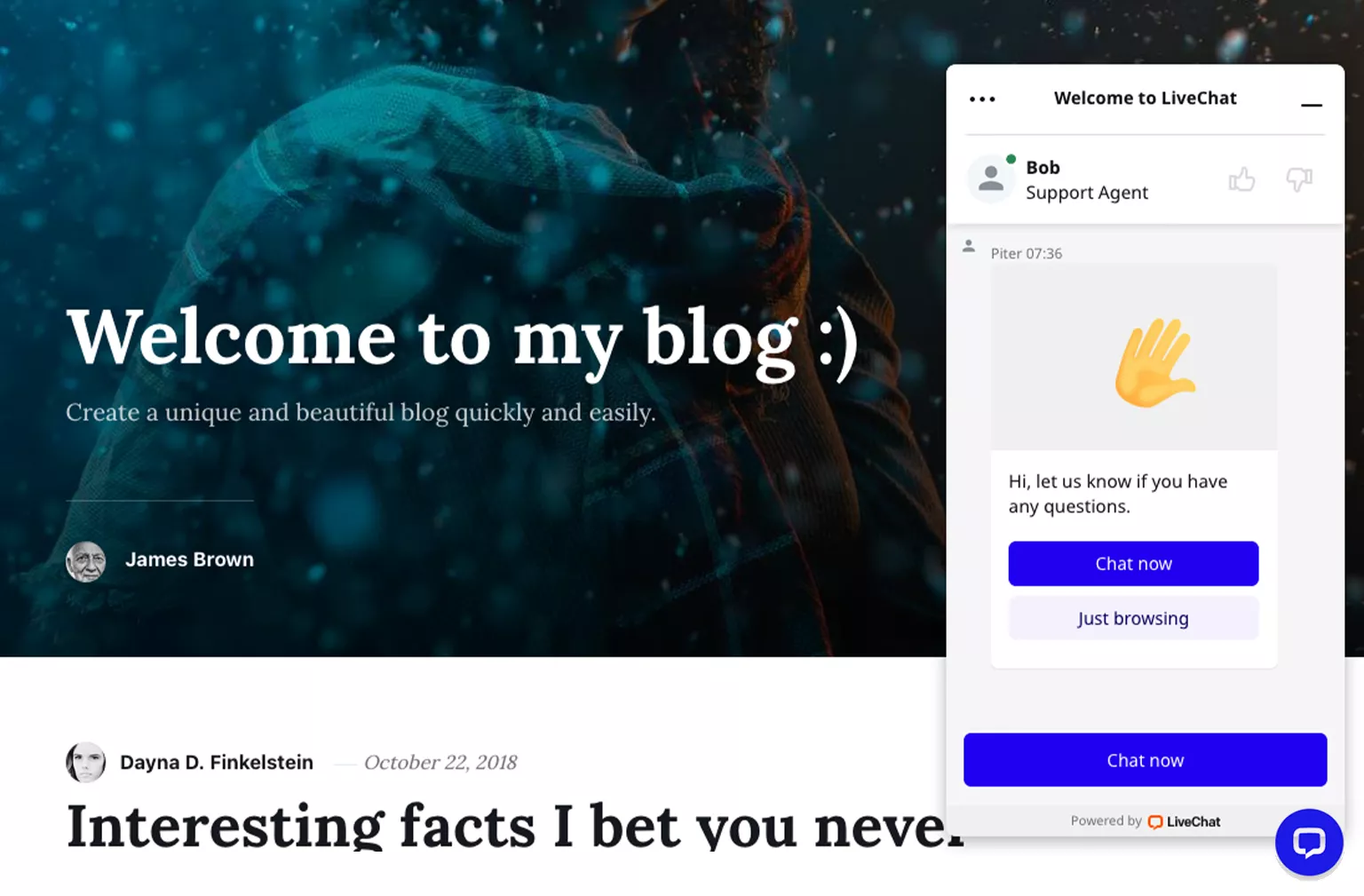
Talk to visitors while they are still on your site
A visitor with a question does not always want to make a phone call or wait for an email reply. LiveChat places a familiar chat widget on your website, giving people a direct way to reach your team while they browse.
Use conversations to answer support questions, explain a service, recommend a product, or help someone complete a purchase. When the team is unavailable, the behavior of the widget and offline messages can be managed from your LiveChat account.
Before you start: The Publii plugin is free. LiveChat is a separate commercial service with a free trial followed by a paid subscription. Review the current LiveChat plans before creating or connecting an account.
Keep customer conversations in one place
Your team handles conversations through LiveChat rather than inside Publii. Depending on the selected plan and account configuration, LiveChat can provide chat history, customer details, reports, greetings, and tools for organizing support work.
- Respond to website visitors in real time.
- See the page from which a customer started the conversation.
- Use greetings and targeted messages to start relevant conversations.
- Review previous chats and customer details available in your LiveChat plan.
- Manage availability and the experience shown when no agent is online.
- Customize the widget’s appearance and behavior from the LiveChat dashboard.
Respect visitor choices
LiveChat uses cookies and similar browser storage to provide chat sessions and remember customer interactions. When your privacy setup requires prior consent, the plugin can connect the complete widget to a group in Publii’s built-in Cookie Banner.
Before consent, Publii prevents the LiveChat code and its network requests from loading. After the visitor accepts the selected group, the widget can start normally. Your privacy notice, Cookie Group, and LiveChat account settings should reflect the data and purposes that apply to your website.
Plugin features
- Connect a Publii site using the numeric License number from LiveChat.
- Load the current official LiveChat Chat Widget integration without editing a theme.
- Provide a safe direct-chat link when a visitor has disabled JavaScript.
- Customize the plain-text label used by the no-script fallback link.
- Optionally load the widget in Publii Preview for testing.
- Block the complete widget until a selected Publii Cookie Group is accepted.
- Validate the License number and Cookie Banner configuration before generating code.
Connect LiveChat in three steps
- Create or open your LiveChat account and copy the License number from the website tracking code.
- Enable the plugin in Publii and enter that number in the plugin options.
- Choose the fallback, Preview, and consent settings, then publish the site.
LiveChat manages the widget design, agent availability, greetings, forms, and team workflow. The Publii plugin takes care of placing the connection code on the generated website.
Add a direct support channel to your Publii site and give visitors a way to ask questions without leaving the page they are viewing.
What you get
- Unlimited use - forever, on any number of domains
- Free to use for both personal and commercial projects
- Community support through the forum
Details
- Author:
- Publii Team
- Version:
- Updated:
- Aug, 25 2026
Requirements and compatibility
- Browser:
- Edge, Firefox, Chrome, Safari, Opera
- Requirements:
- Publii 0.45 and up