
Disqus Comments
Disqus is a hosted commenting system that lets readers respond to your articles and join conversations on your website. The Disqus Comments plugin connects the service to Publii posts and pages using your Disqus shortname. You can customize the comment area, enable lazy loading, and manage cookie consent through Publii’s built-in Cookie Banner.
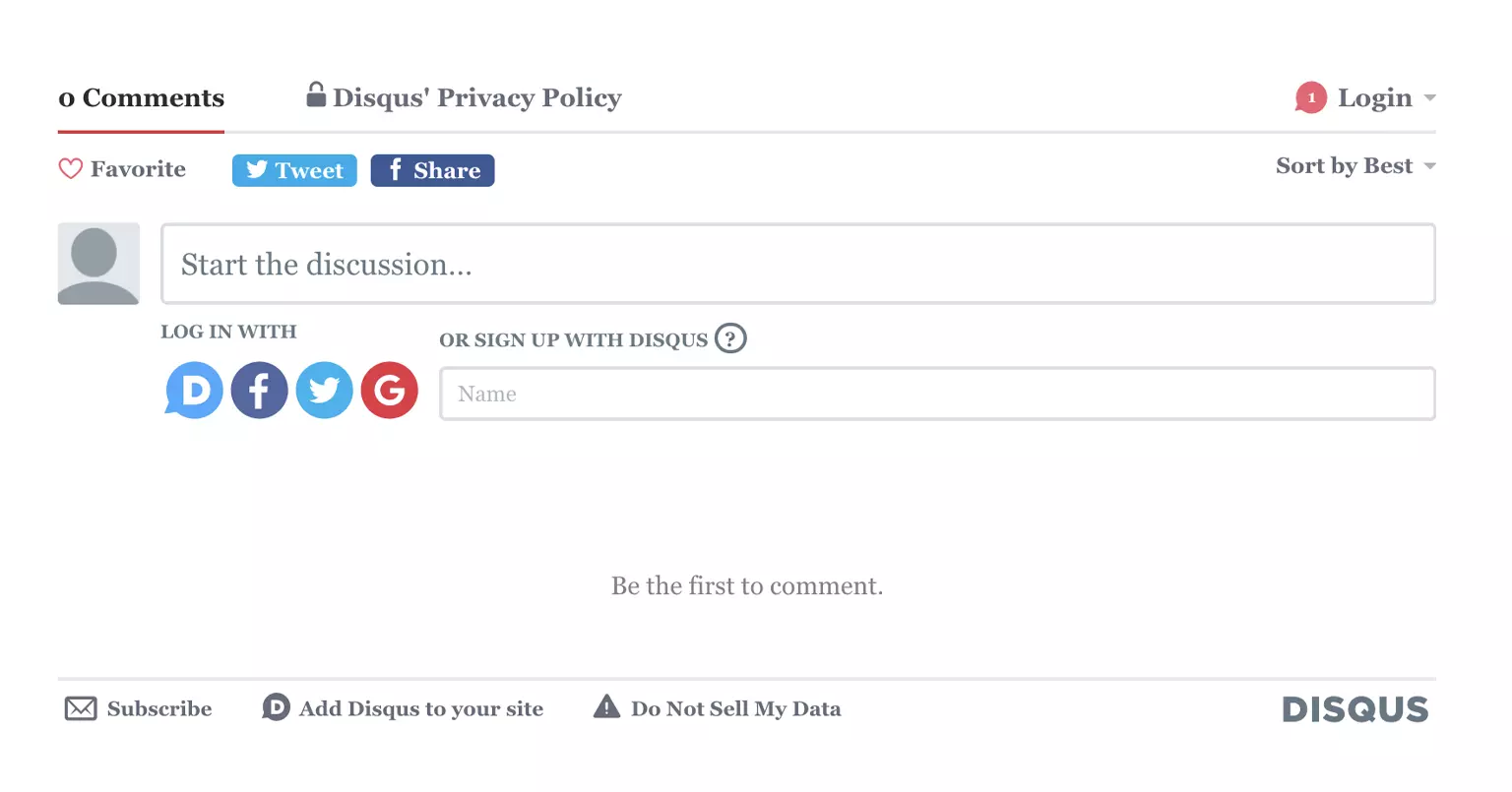
Add Disqus Comments to your website
Give readers a familiar place to respond to your articles, exchange ideas, and follow ongoing discussions. The Disqus Comments plugin connects Publii posts and pages with a registered Disqus community using your site’s shortname.
The plugin generates the embed and identifies each discussion with the Publii post or page ID. You can change a page slug or domain without tying the discussion to a fragile URL alone.
Before you start: The Publii plugin is free. Disqus is a third-party service that requires a separate account and registered site. The Basic plan is supported by advertising and subject to eligibility limits. Review the current Disqus plans before choosing one.
Why Use Disqus with Publii?
Disqus supplies the discussion network and moderation panel, while the Publii plugin places the comment section in your theme and connects it with Publii’s publishing and privacy settings.
- Build discussions around your content: Readers can reply in threads, recommend comments, share media, and receive notifications about activity.
- Manage your community: Review pending comments, block accounts, filter restricted words, apply moderation rules, and use Disqus spam detection from one administration panel.
- Control loading and consent: Delay the external embed until the comment section approaches the viewport, or hold the Disqus script until a visitor accepts the Cookie Group selected in Publii.
Plugin features
- Add Disqus comments to Publii posts and pages.
- Connect a site using its Disqus shortname or full shortname.disqus.com address.
- Give each post and page a stable Disqus discussion identifier.
- Send the published page URL to Disqus.
- Use the language configured in Disqus or set a language override in Publii.
- Add a custom comments heading and choose its heading level.
- Set CSS classes for the outer container, inner container, and heading.
- Load the Disqus embed when the visitor scrolls close to the comment section.
- Block the Disqus script until the visitor accepts a selected Publii Cookie Group.
- Set separate messages for disabled JavaScript and pending cookie consent.
- Show a status message instead of loading the external embed in Publii Preview.
Disqus features
- Threaded comments, replies, recommends, and discussion following.
- Reader profiles and one Disqus account for participating across supported websites.
- Images, videos, links, and other rich media in discussions.
- Web and email activity notifications.
- Responsive comment sections with appearance controls.
- Support for dozens of interface languages.
- Automatic spam detection and a moderation queue.
- Pre-moderation, restricted-word filters, user controls, and configurable moderation rules.
- Community badges, analytics, and comment import and export tools.
Disqus controls these service features. Availability, advertising, limits, and moderation tools can vary by plan and site eligibility.
Frequently Asked Questions
These answers cover pricing, page support, existing discussions, language settings, cookie consent, and local preview behavior.
- Is the Disqus Comments plugin free?
Yes. The Publii plugin is free. Disqus has separate plans, and its Basic plan displays advertising subject to current eligibility rules. - Does the plugin support posts and pages?
Yes. You can enable comments for both content types or control them for individual posts and pages. - What is a Disqus shortname?
It is the permanent identifier Disqus assigns to a registered site. The plugin accepts the shortname alone or its full shortname.disqus.com address. - Will existing Disqus discussions remain connected?
Keep the same Disqus shortname and discussion identifiers when updating the plugin. Changing the shortname connects Publii to another Disqus community. Custom integrations that used different identifiers may require the Disqus migration tools. - Can the comments use another language?
Yes. Leave the language field empty to use the language selected in Disqus, or enter a supported language code to override it on pages generated by Publii. - Do I have to use the Publii Cookie Banner?
No. Cookie Banner integration is optional. Enable it when you want Publii to block the Disqus script until the visitor accepts the assigned Cookie Group. - Why do comments not appear in Publii Preview?
Disqus validates page addresses and trusted domains, while Publii Preview uses a local file address. The plugin displays a status message in preview mode. Test the embed on a published or staging URL. - Can I match the comment area to my theme?
Yes. The plugin lets you change the heading text and level, plus the CSS classes on the surrounding Publii containers. Disqus controls the interface inside its embed.
Download the Disqus Comments plugin, connect your shortname, and add managed discussions to the posts and pages you publish with Publii.
What you get
- Unlimited use - forever, on any number of domains
- Free to use for both personal and commercial projects
- Community support through the forum
Details
- Author:
- Publii Team
- Version:
- Updated:
- Sep 25, 2026
Requirements and compatibility
- Browser:
- Edge, Firefox, Chrome, Safari, Opera
- Requirements:
- Publii 0.46.x and up