
AI Crawler Blocker
AI Crawler Blocker gives you control over which AI crawlers can access your website by adding blocking rules to robots.txt. Choose one of four protection profiles, block up to 160 individual crawlers or entire categories, and add your own crawler identifiers when needed. Existing robots.txt rules stay in place, and regular search engines remain available unless you enable Emergency Lockdown.
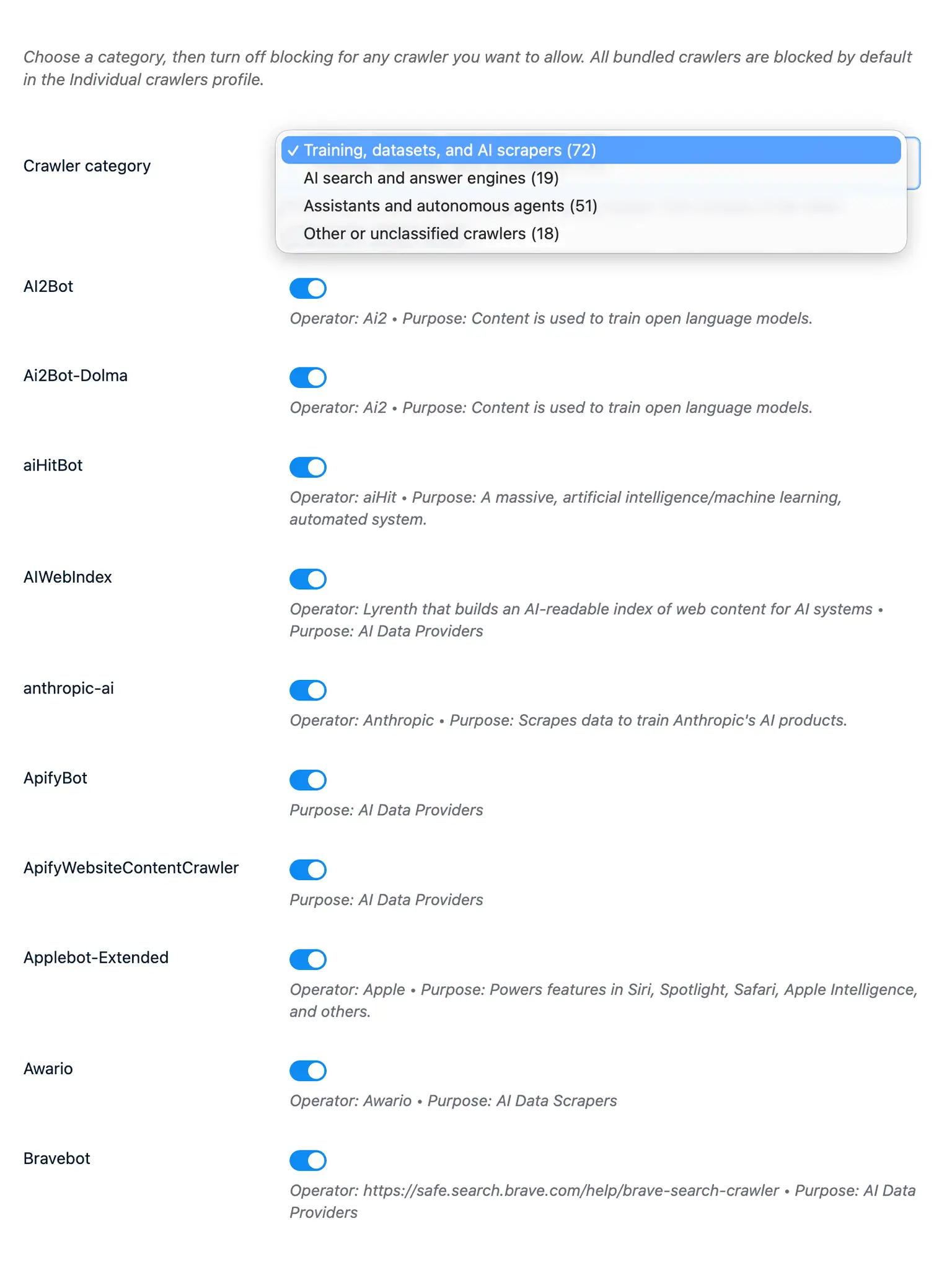
Choose what you want to block
Not every AI crawler visits your website for the same reason. Some collect content for model training, others support AI search, and some only open a page when a person asks an assistant or agent to retrieve it.
AI Crawler Blocker groups these crawlers by purpose, so you do not have to build and maintain the list yourself. The plugin adds your chosen rules to robots.txt whenever Publii generates the website. You never need to edit the file by hand, and any rules already in it are preserved.
Important: Blocking through robots.txt depends on crawlers respecting its rules. It cannot stop services that choose to ignore them.
Four profiles for different levels of protection
Start with the profile that matches the way you publish:
- Strict blocks every AI-related crawler included with the plugin.
- Training only blocks crawlers used for model training, datasets, scraping, and data collection. AI search services and assistants triggered by a user remain available.
- Individual crawlers lets you decide separately which of the 160 crawlers should be blocked.
- Custom lets you block complete categories, such as training crawlers, AI search services, assistants and agents, or other AI-related crawlers.
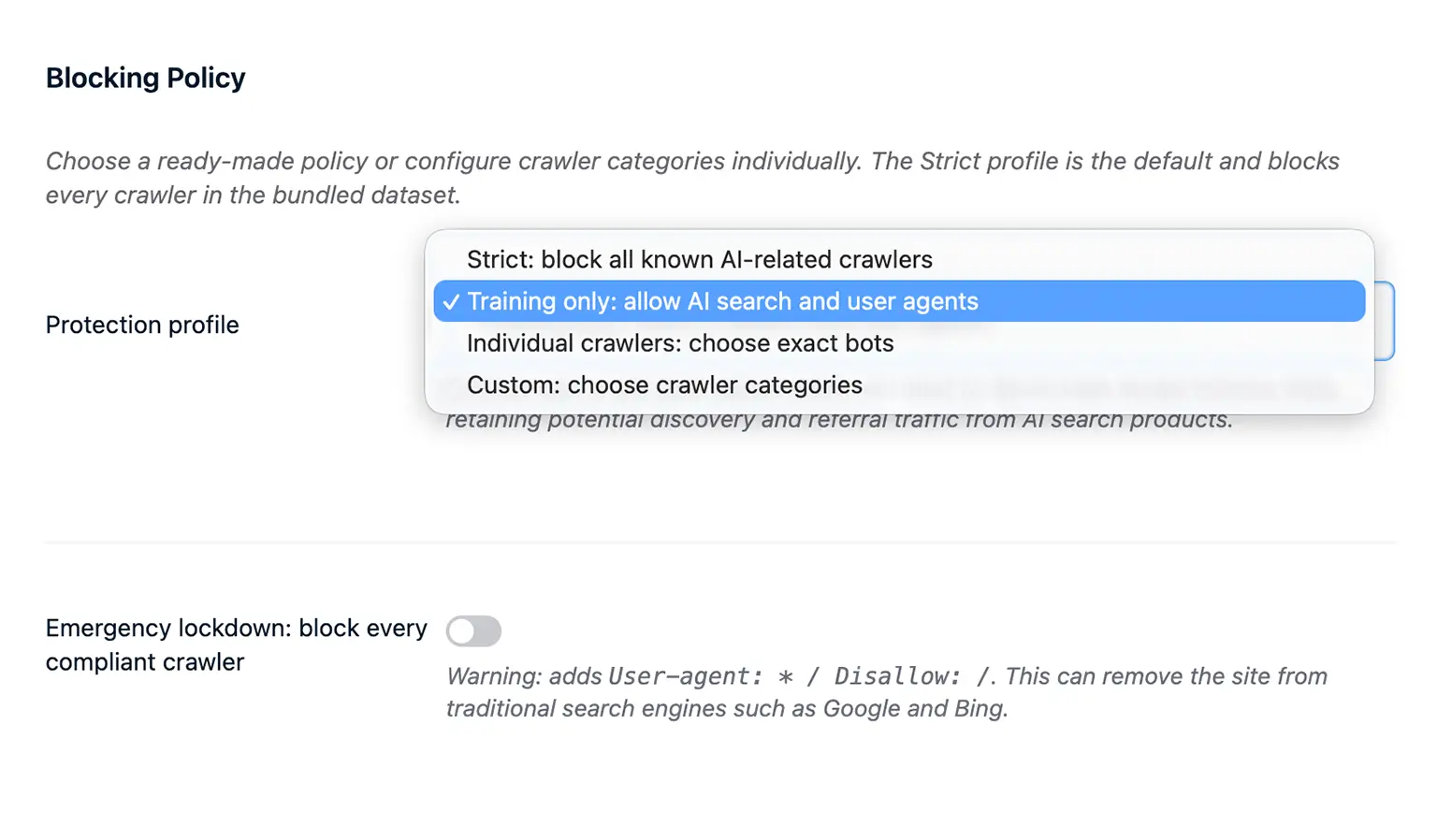
Strict provides the broadest protection. Training only is a more balanced option when you want to discourage the use of your content for model training without giving up possible visibility and referrals from AI search.
Make exceptions or add your own crawlers
When you choose Individual crawlers, the complete list is blocked by default. Filter it by category, find the crawler you want to allow, and turn off its switch.
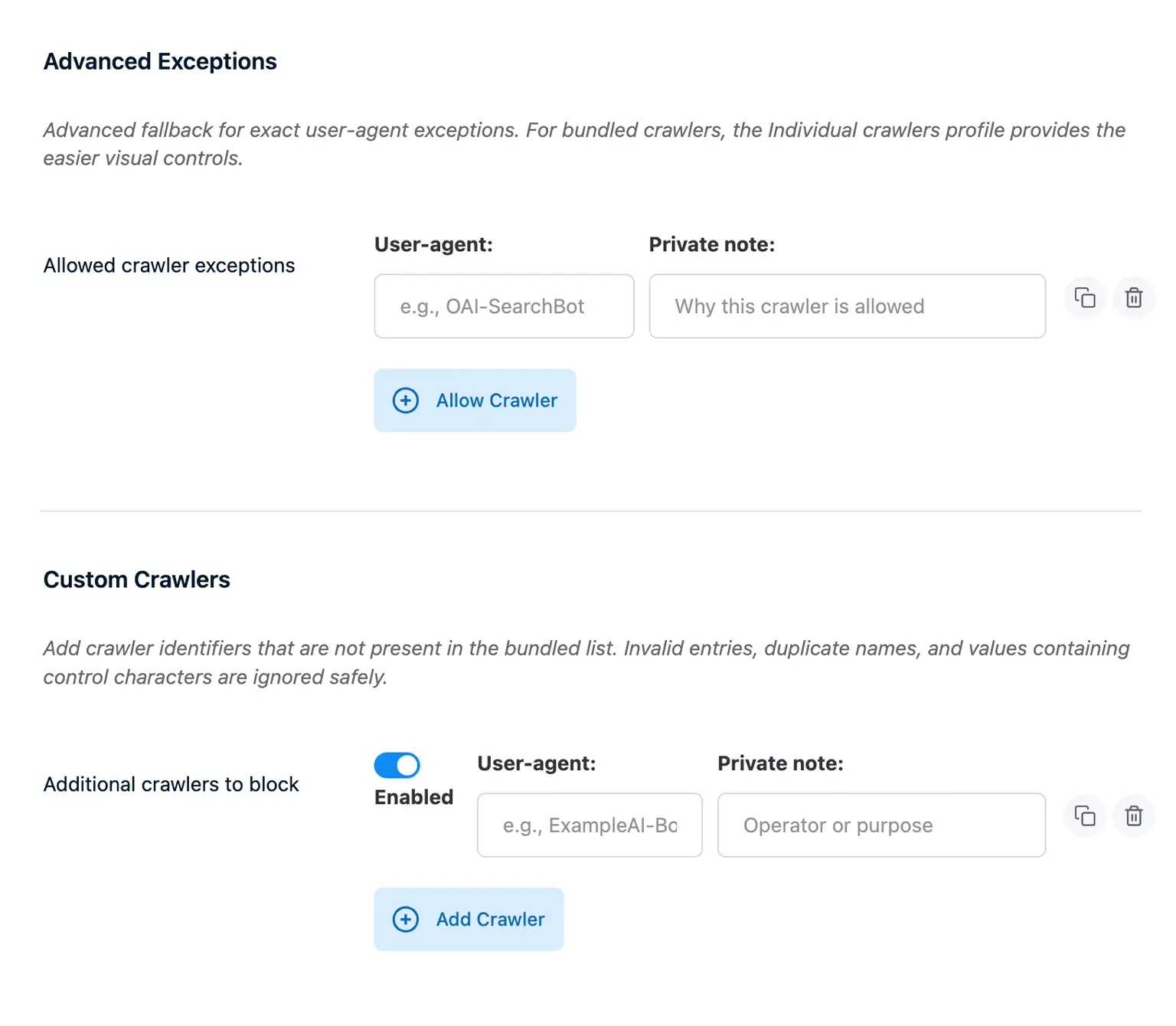
You can also allow selected crawlers across every profile or add identifiers that are not included in the built-in list. Each custom entry can include a private note, which is useful when you return to the settings later.
Optional noai signals
The plugin can add noai and noimageai metadata to your pages without changing their existing index, follow, or noindex settings.
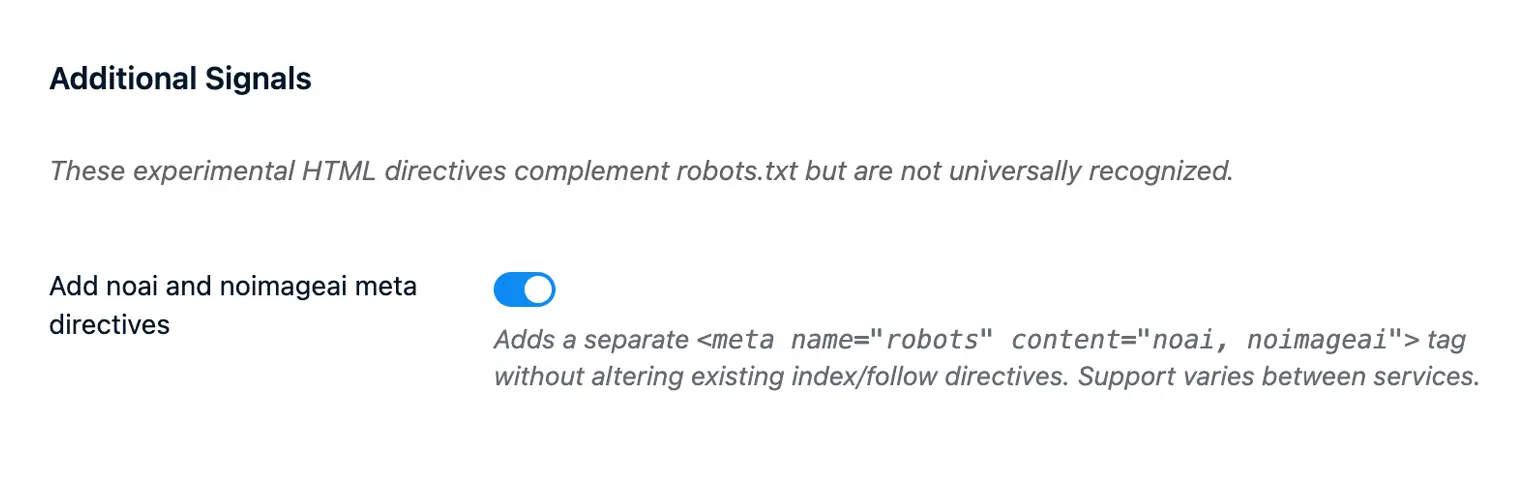
These values provide an extra preference signal, but support varies between services. They do not replace the rules in robots.txt.
Regular search engines stay available
The four protection profiles target AI-related crawlers only. Googlebot, Bingbot, and other regular search crawlers continue to follow your existing settings.
If you need to block every compliant crawler, you can enable Emergency Lockdown. This also blocks traditional search engines and may remove the website from search results, so it should only be used when that is your intention.
Part of the normal Publii workflow
AI Crawler Blocker updates robots.txt when Publii generates your website. Local Preview support can be enabled if you want to check the file before publishing. Once the website is synchronized, you can find it at your-domain.com/robots.txt.
* Plus VAT for EU customers
What's included
- Unlimited use - forever, on any number of domains
- 12 months of access to files and updates
- 3 months of premium support included
- 100% ready for personal and commercial use
- One-time payment - no automatic renewals, optional update access at 50% off
Details
- Author:
- Publii Team
- Version:
- Updated:
- Aug 17, 2026
Requirements and compatibility
- Browser:
- Edge, Firefox, Chrome, Safari, Opera
- Requirements:
- Publii 0.47.x and up
Get 3 months of professional support
Getting started with a new plugin on a new website can be a challenge, but our experts are here to help. Every purchase of the commercial plugin includes three months of support through our dedicated ticket system, so you'll have efficient and effective assistance with any issues you run into.